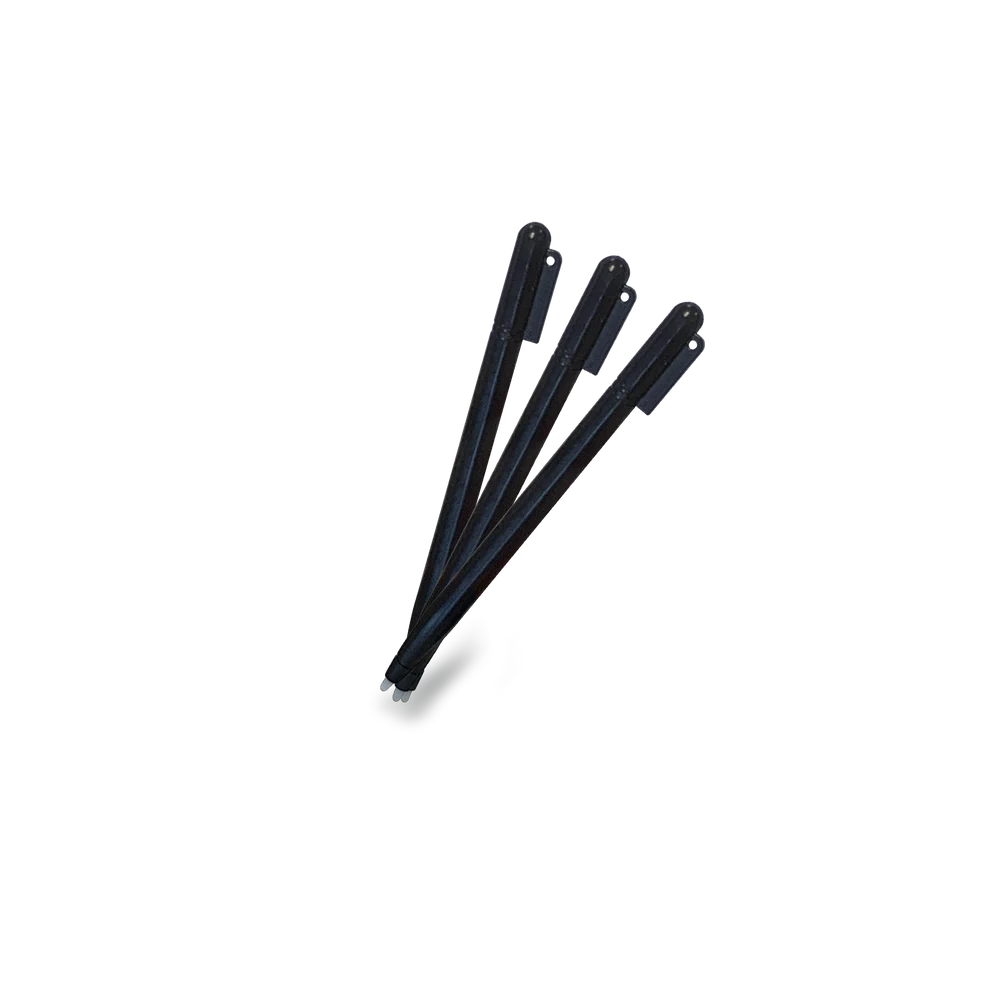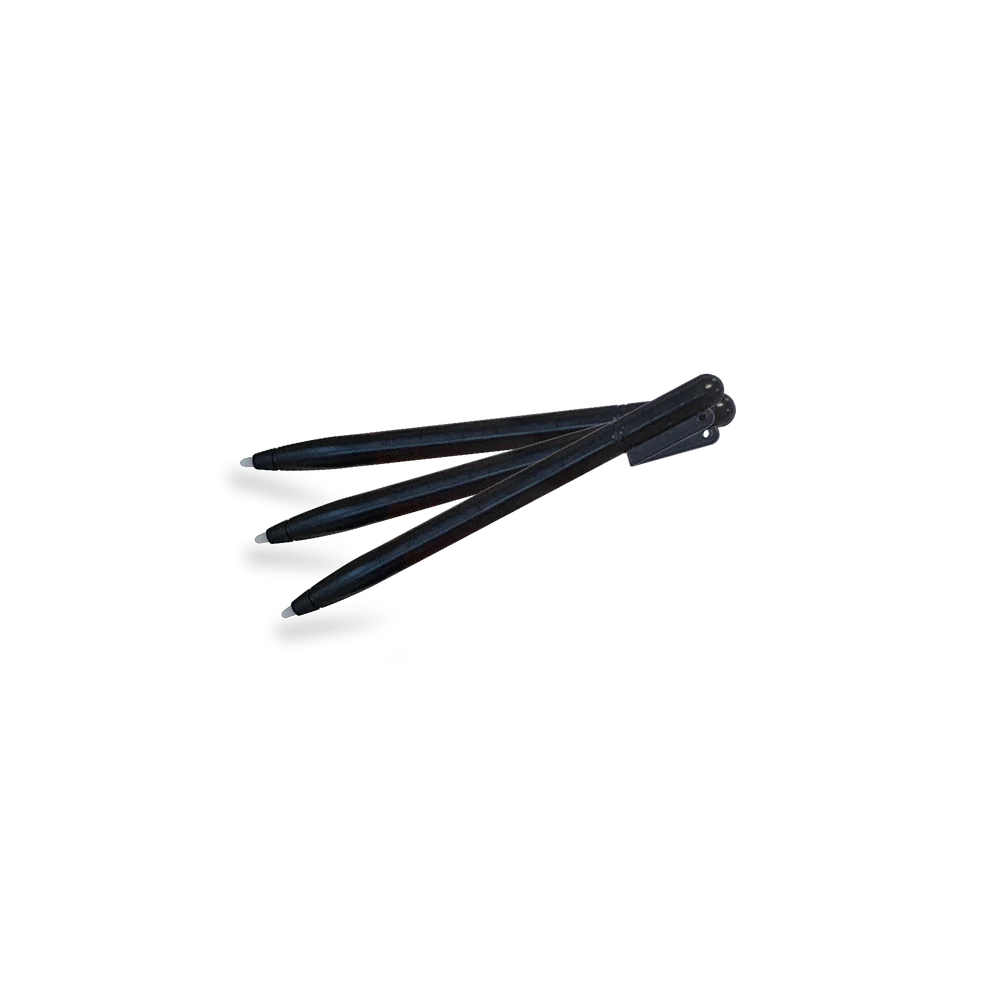
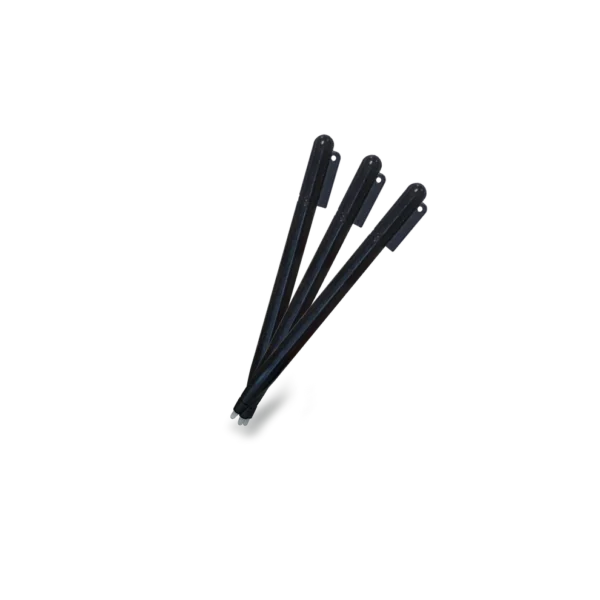
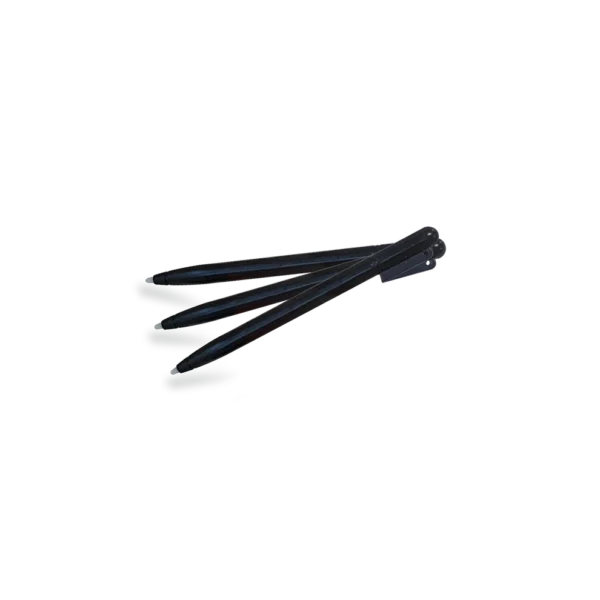
PoggyPen : Tablet pens (set of 3)

4,90 €

  • PoggyPen: PoggyPen is a stylus specially designed for Poggy Magic and Poggy Adventure children’s tablets – the perfect tool for little artists who love to draw, erase, and start over! Carefully crafted, PoggyPen provides a natural feel when writing and drawing – no ink, no paper, and no unnecessary waste.

Availability: 283 in stock

✏️ PoggyPen – The innovative stylus for young creators

PoggyPen is a specially designed stylus for the Poggy Magic and Poggy Adventure kids’ tablets – the perfect tool for young artists who love to draw, erase, and start again!
Created with attention to detail, PoggyPen provides a natural writing and drawing feel – without ink, without paper, and without unnecessary waste.

🌈 Why choose PoggyPen

✨ Lightweight and comfortable – designed especially for small hands.

💚 Safe – no sharp tips, no toxic materials.

🔄 Reusable – draw again and again!

🌍 Eco-friendly alternative – saves hundreds of sheets of paper every year.

🧩 Compatible with all Poggy Pad, Poggy Magic, and Poggy Adventure models.

With PoggyPen, children develop fine motor skills, imagination, and confidence as they create their own stories on the screen.
Perfect for drawing, writing, or interactive play with the themed Poggy cards.
This is not just a stylus – it’s the magic wand of a child’s imagination.
A perfect gift for kids who love to create and learn through play.

Technical specifications

  • Compatibility: LCD tablet Poggy Pad
  • Material: ABS plastic, child-safe
  • Size: ~ 122–123 mm length × 4–5 mm diameter
  • Weight (one stylus): ~ 3–5 g (lightweight, comfortable for a child’s hand)
  • Color: Black (may vary by batch)
  • Tip: fine tip for smooth writing on the LCD screen

Instructions for use

  1. Place the Poggy Pen stylus on the screen of the Poggy Pad tablet.
  2. Draw or write directly on the screen.
  3. After use, attach the stylus to the designated spot on the tablet.

Storage and safety

  • Use only with compatible LCD tablets (Poggy Pad).
  • Do not use on other surfaces to avoid damaging the tip.
  • Store in a dry and clean place.
  • Suitable for children 3+; for younger children – use under adult supervision.
Details

  • Product Name: Set of 3 replacement pens Poggy Pen for Poggy Pad LCD tablet.
  • Distributor: Poggy Ltd, Bulgaria
  • Model: Poggy Pen – Pack of 3 Pens
  • Compatibility: All Poggy Pad models (and most standard LCD writing boards)
  • Suitable for: Children over 3 years old

Reviews

There are no reviews yet.

Be the first to review “PoggyPen : Tablet pens (set of 3)”

Your email address will not be published. Required fields are marked *

Shopping Basket

Инструкции за употреба


  • Стъпки за рисуване с шаблони
  1. Поставете картата-шаблон. Подравнете картата върху екрана на Poggy Pad (или в предвидените водачи/щипки), така че изображението да е стабилно.
  2. Очертайте контурите. С Poggy Pen внимателно проследете линиите на картата, докато се появят върху екрана.
  3. Извадете картата. Отстранете шаблона, за да видите само вашата собствена рисунка върху екрана.
  4. Запазване на рисунката. Натиснете бутона „Lock“ (Заключване) или преместете превключвателя Lock в позиция ON, за да предотвратите случайно изтриване.
  5. Изтриване на рисунката. Ако желаете да изчистите екрана, деактивирайте Lock (ако е активен), след което натиснете бутона „Erase/Изтриване“.
  • Стъпки за рисуване без шаблони
  1. Извадете писалката Poggy Pen и започнете да рисувате или пишете директно върху екрана.
  2. Натиснете бутона „Изтриване“, за да изчистите екрана.
  3. Използвайте бутона „Заключване“, за да запазите рисунката и да предотвратите случайно изтриване.

This will close in 0 seconds

How to use


  • Steps for drawing with stencils
  1. Place the stencil card. Align the card on the Poggy Pad screen (or in the designated guides/clips) so the image is stable.
  2. Trace the outlines. With the Poggy Pen, carefully trace the lines on the card until they appear on the screen.
  3. Remove the card. Remove the stencil to see only your own drawing on the screen.
  4. Save the drawing. Press the “Lock” button or move the Lock switch to the ON position to prevent accidental erasing.
  5. Erase the drawing. If you want to clear the screen, deactivate Lock (if active), then press the “Erase” button.
  • Steps for drawing without stencils
  1. Remove the Poggy Pen and start drawing or writing directly on the screen.
  2. Press the “Erase” button to clear the screen.
  3. Use the “Lock” button to save the drawing and prevent accidental erasing.

This will close in 0 seconds

Mode d'emploi


  • Étapes pour dessiner avec des pochoirs
  1. Placez la carte-pochoir. Alignez la carte sur l’écran du Poggy Pad (ou dans les guides/pinces prévus) afin que l’image reste stable.
  2. Tracez les contours. Avec le Poggy Pen, suivez délicatement les lignes du pochoir jusqu’à ce qu’elles apparaissent à l’écran.
  3. Retirez la carte. Enlevez le pochoir pour voir uniquement votre propre dessin sur l’écran.
  4. Enregistrez le dessin. Appuyez sur le bouton « Lock » ou basculez l’interrupteur Lock en position ON pour éviter tout effacement accidentel.
  5. Effacez le dessin. Si vous souhaitez nettoyer l’écran, désactivez le mode Lock (s’il est activé), puis appuyez sur le bouton « Erase ».
  • Étapes pour dessiner sans pochoirs
  1. Retirez le Poggy Pen et commencez à dessiner ou écrire directement sur l’écran.
  2. Appuyez sur le bouton « Erase » pour effacer l’écran.
  3. Utilisez le bouton « Lock » pour sauvegarder le dessin et éviter toute suppression accidentelle.

This will close in 0 seconds

Scroll to Top